

Welcome to The Woopf Ambassador Program! We are SO excited to have you on the team, and we’re looking forward to helping you grow as an ambassador.
To get you caught up to speed as quickly as possible, we wrote this quick article which explains all the steps you need to take to set up your Buzzbassador account and start earning money!
What to Do Once Accepted
First, welcome to the Woopf team! Not everyone gets accepted into the Woopf Ambassador Program, so give yourself a pat on the back
Below are the next steps you need to take to get started:
-
Check your acceptance email
You will receive an email with your unique referral code and personal discount code. -
Check your account setup email
Look for an email from noreply@app.buzzbassadorapp.com titled Set your password. It contains a button to the Buzzbassador dashboard. Click it and set your password to activate your account.
-
Explore the Buzzbassador dashboard
You’ll find an overview of your sales, payment history, referral codes, and ambassador perks. It's easy to use!
-
Copy your affiliate link and start selling
At the bottom of the dashboard, you’ll find your unique affiliate link. Share it with others—it automatically applies your discount code during checkout.
-
Connect your PayPal account
Buzzbassador pays via PayPal. If you don’t already have an account, create one at paypal.com. Enter your PayPal email under Payout settings (click the gear icon in the top right).
-
Watch your earnings grow!
Go to the My earnings tab on the left of the dashboard to track your income from ambassador activity!
Recommended by Dr Duncan
Vet-designed gear for what you have just read about.
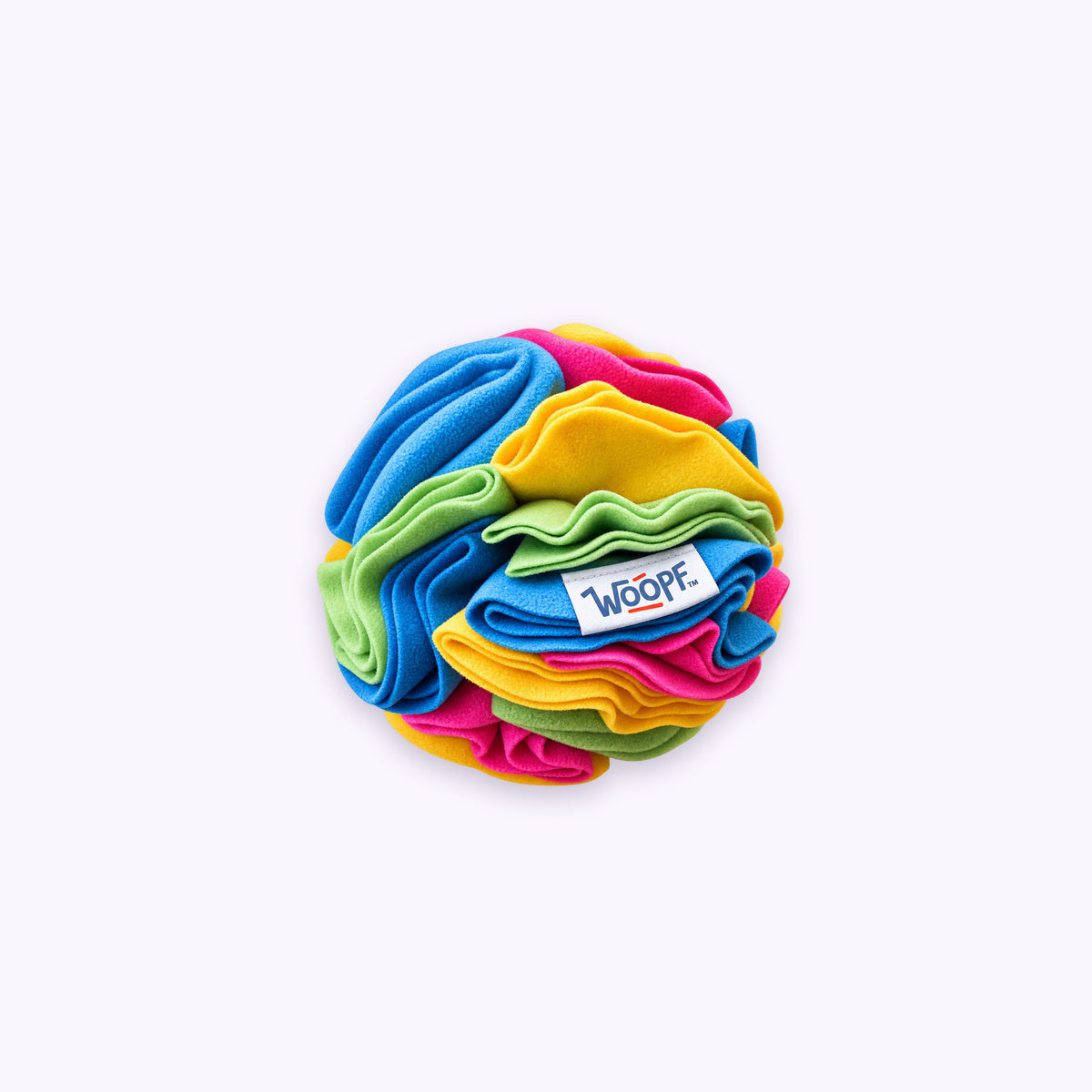
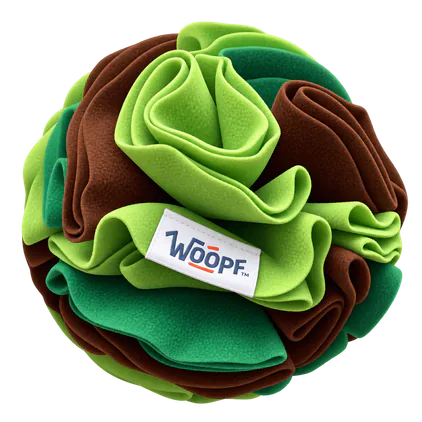
- 带响声的嗅闻球Shop
Hide treats & keep dogs engaged through sniff, search & crackle sounds
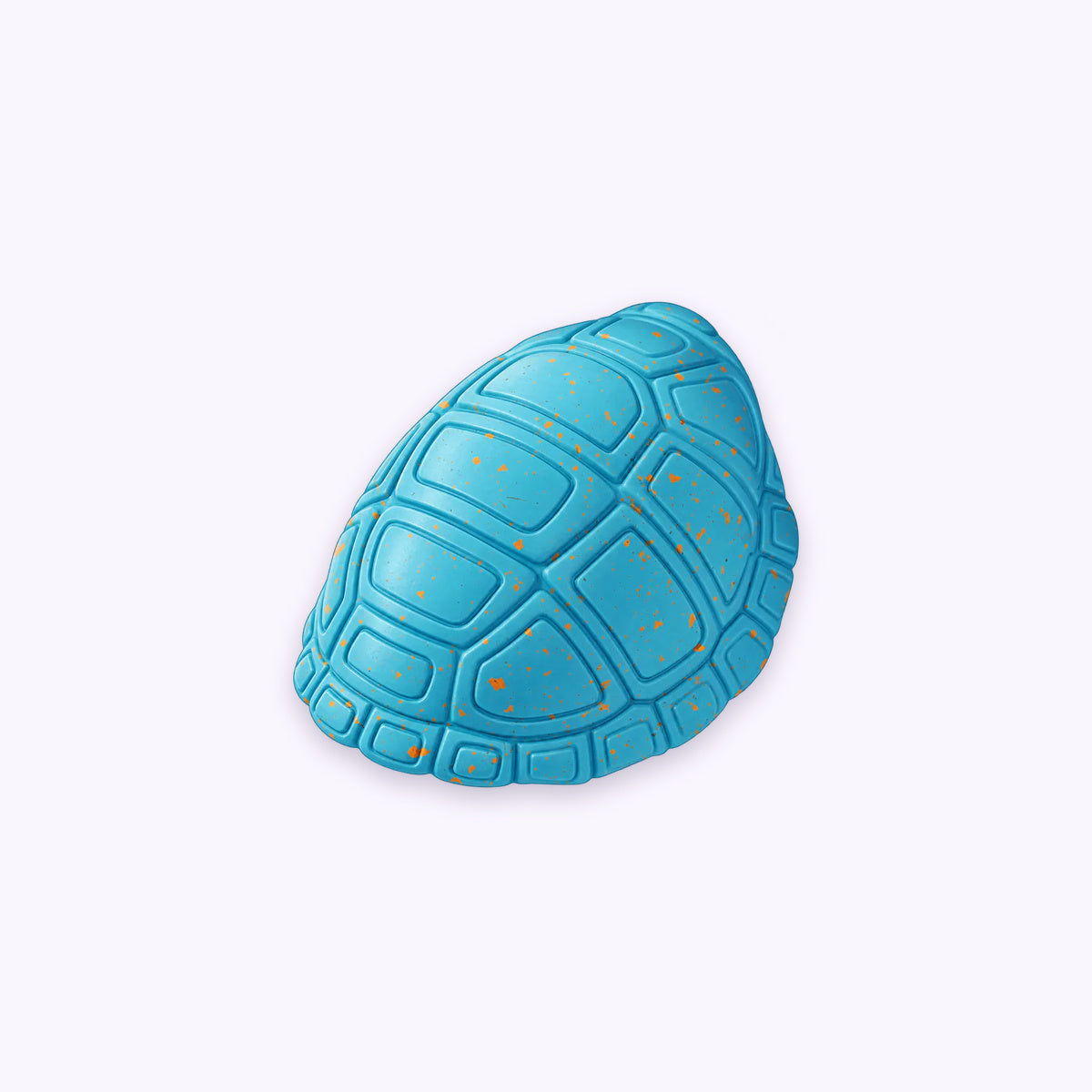
- Chewster 龟壳玩具Shop
For power chewers. Slow-release treat play for focused sniff & chew sessions
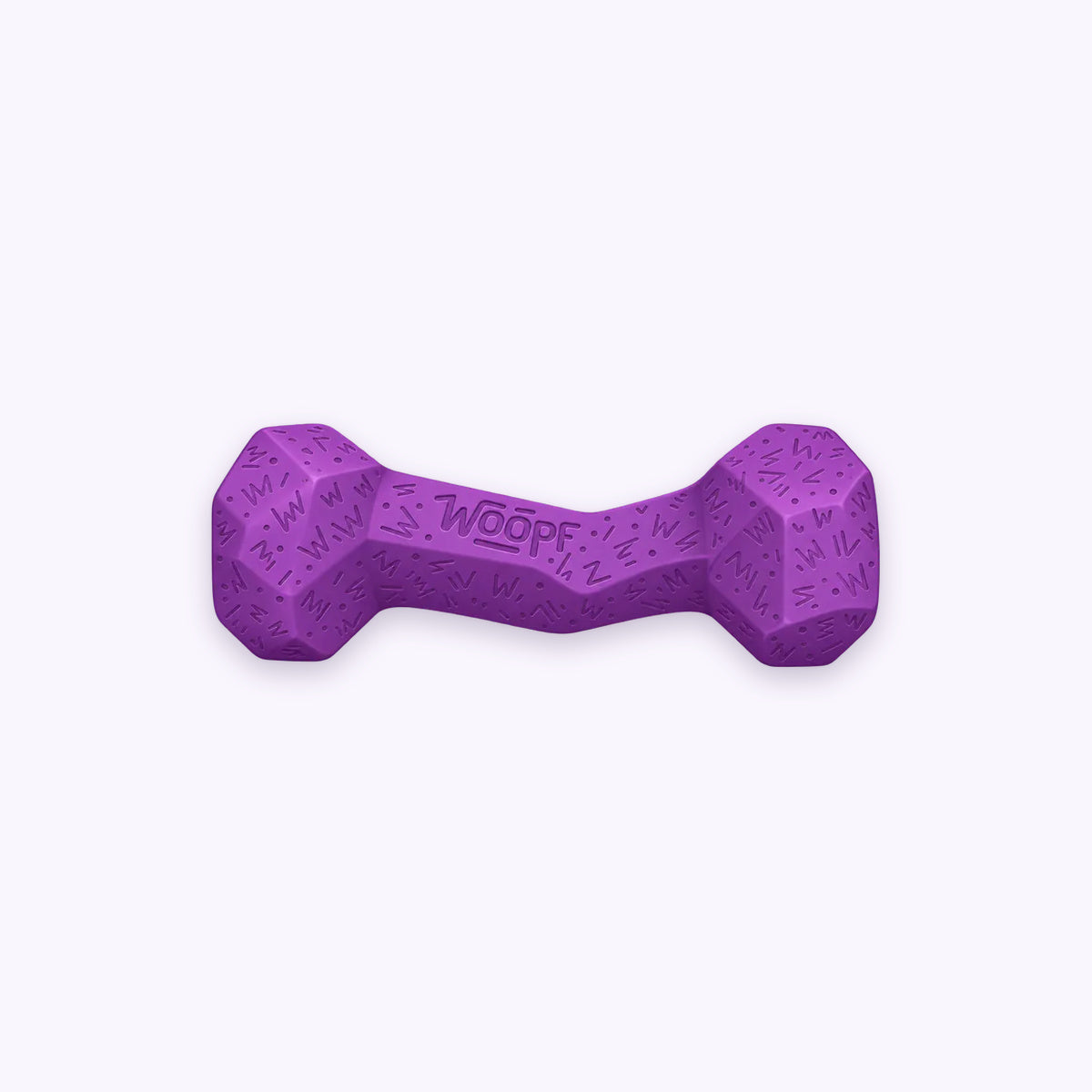
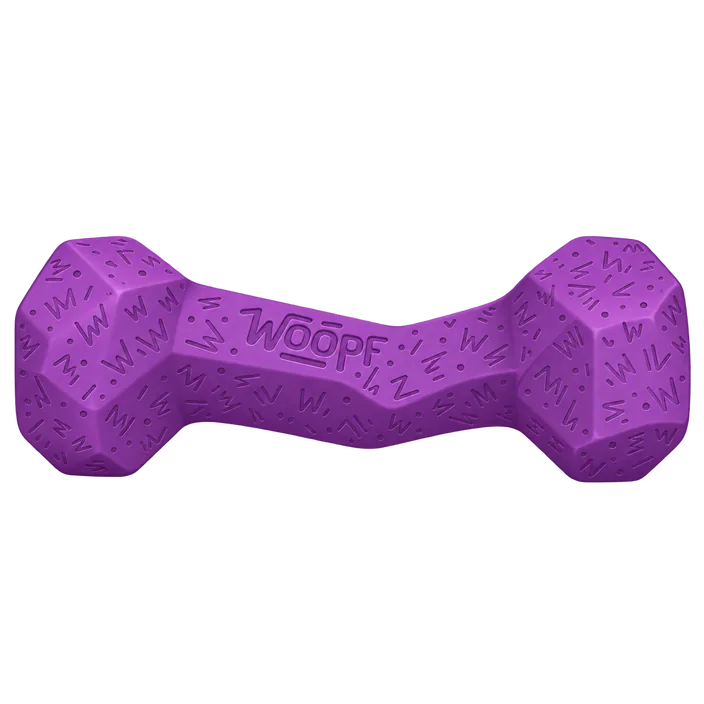
- Chewster 方块骨头Shop
For power chewers. Roll, chase & earn treats through chew play